

Bank statements
Upload a bank statement and let AI suggest a ledger for each line. You review, correct and post.
Learn moreAI document capture
Vendor invoices arrive as PDFs and photos. Upload them, and Fintog reads the details so you start from a filled-in record, not a blank form.
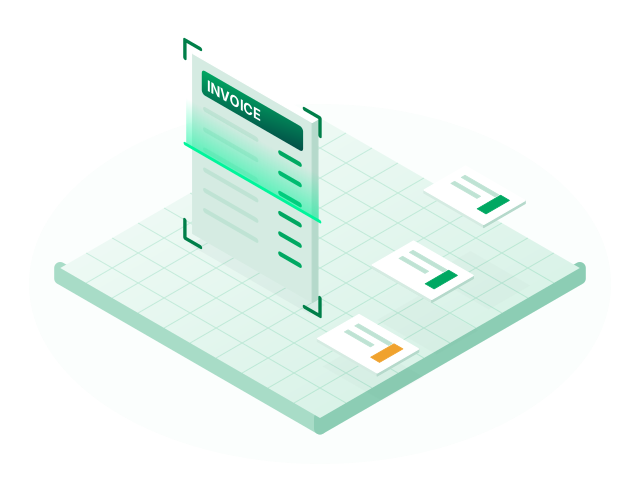
PDF, JPG, PNG and WebP files are accepted, and each document type creates the right record.
AI can also draft a voucher's narration, so your books explain themselves when someone opens them later. Keep the source document attached to the voucher, and it stays one click away.
AI can misread a document, especially a poor scan. Treat what it extracts as a draft and check it before you save. The documents you upload are sent to our AI provider, Google, for processing, as our privacy policy explains.
PDF, JPG, PNG and WebP.
Yes. It saves typing, but it can make mistakes, so review the details before saving.
Documents are sent to Google's Gemini service to extract their details. Our privacy policy has more on how data is handled.
Upload a bank statement and let AI suggest a ledger for each line. You review, correct and post.
Learn more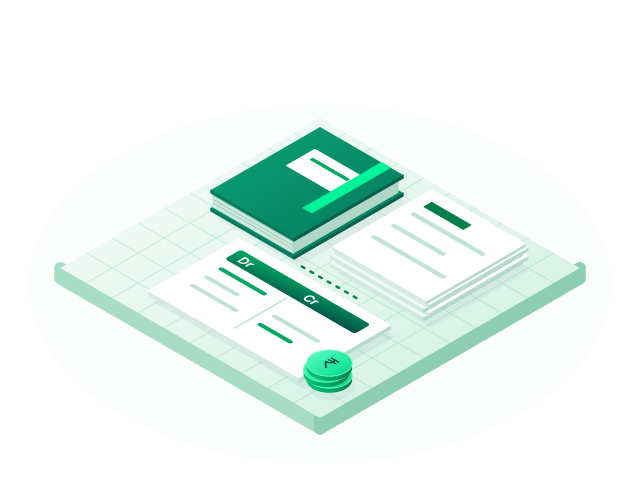
Double-entry books with eight voucher types, ledger groups, party masters and built-in HSN/SAC search.
Learn more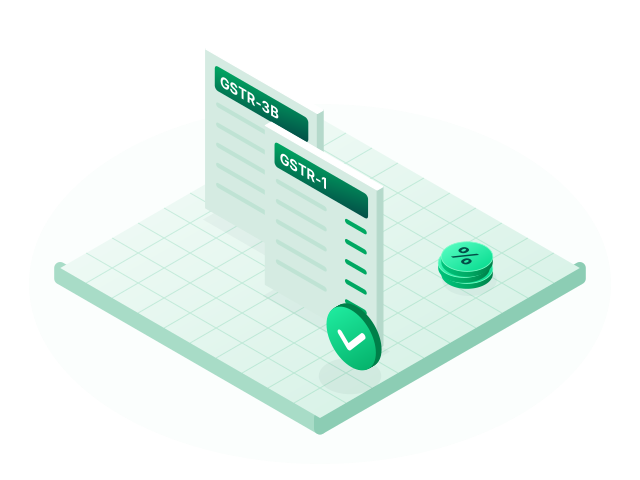
GSTR-1 and GSTR-3B prepared from your vouchers, with HSN summaries, an ITC register and Excel exports.
Learn moreCreate your account, set up your company and record your first voucher. No card is needed to sign up.