
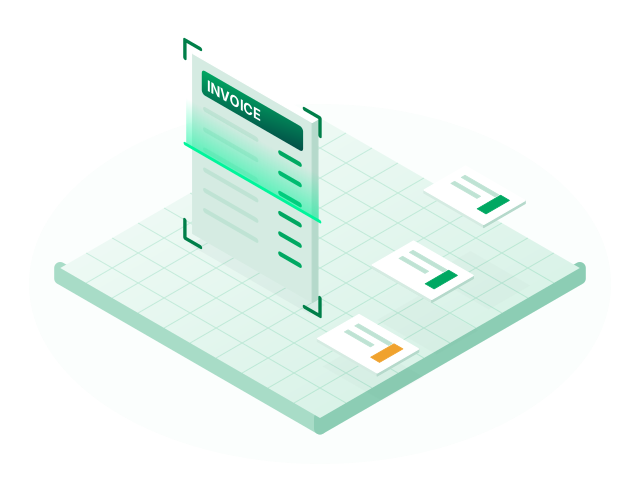
AI document capture
Upload invoices, GST certificates and PAN cards. AI reads them and creates the invoice and vendor for you to check.
Learn moreBank statements
Most bank lines are routine, but they still have to be entered. Fintog reads your statement, suggests the ledger for each transaction, and shows you which ones need a closer look.

Upload a statement with its date, description, reference, debit, credit and balance columns. AI reads the descriptions and identifies a likely ledger for each line.
A suggestion is only a suggestion. Check the entries, particularly the ones marked for review, before relying on them.
No. You upload a statement file downloaded from your bank. Fintog does not ask for your net banking login.
They depend on how clear the bank's descriptions are, and they can be wrong. That is why lines are marked for review and every entry can be edited.
Upload invoices, GST certificates and PAN cards. AI reads them and creates the invoice and vendor for you to check.
Learn more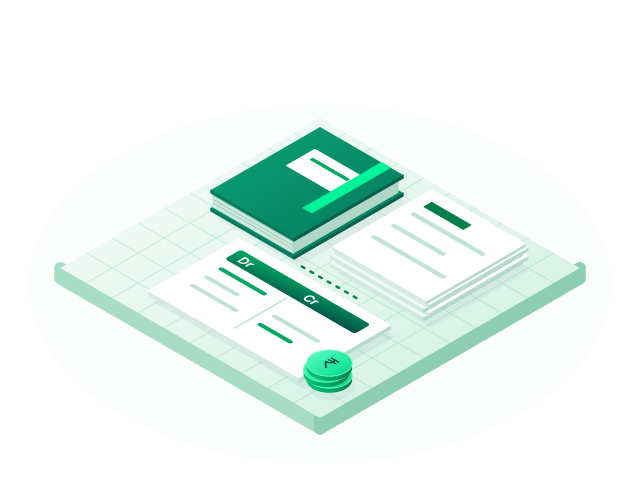
Double-entry books with eight voucher types, ledger groups, party masters and built-in HSN/SAC search.
Learn more
Trial balance, profit and loss, balance sheet and key ratios, all updated from your vouchers with drill-down.
Learn moreCreate your account, set up your company and record your first voucher. No card is needed to sign up.