
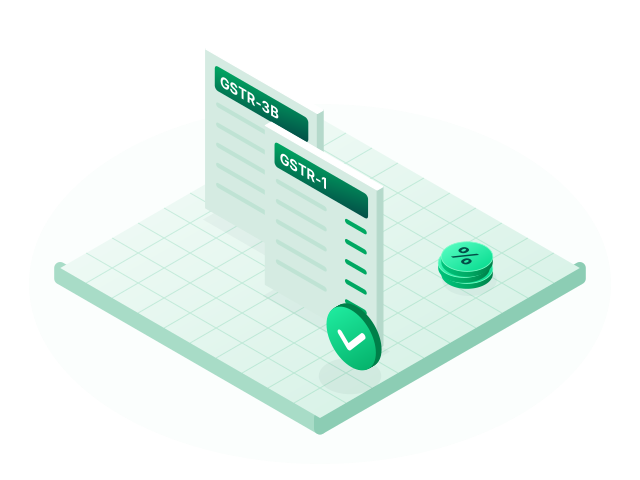
GST returns
GSTR-1 and GSTR-3B prepared from your vouchers, with HSN summaries, an ITC register and Excel exports.
Learn moreE-invoicing
If your business has to e-invoice, you should not have to key the same invoice twice. Fintog turns a saved sales voucher into the government's INV-01 JSON format.
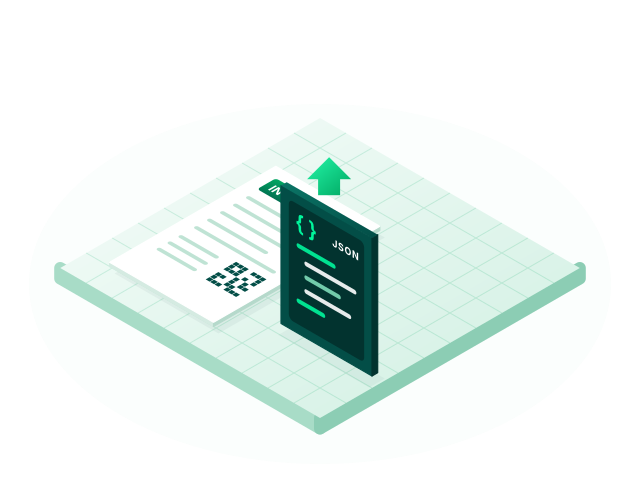
Fintog prepares the file and the Invoice Registration Portal (IRP) registers the invoice.
Your company's GSTIN, the party's details, HSN or SAC codes, rates and tax amounts are taken from the voucher and your masters. That leaves fewer fields to type and fewer chances of a mismatch.
No. Fintog generates the INV-01 JSON, and you upload it to the government's e-invoice portal, which issues the IRN and signed QR code.
E-invoicing applies to GST-registered businesses above the turnover limit the government sets, which has been ₹5 crore in any financial year since August 2023. Rules change, so confirm your position with your accountant or on the GST portal.
GSTR-1 and GSTR-3B prepared from your vouchers, with HSN summaries, an ITC register and Excel exports.
Learn more
Double-entry books with eight voucher types, ledger groups, party masters and built-in HSN/SAC search.
Learn more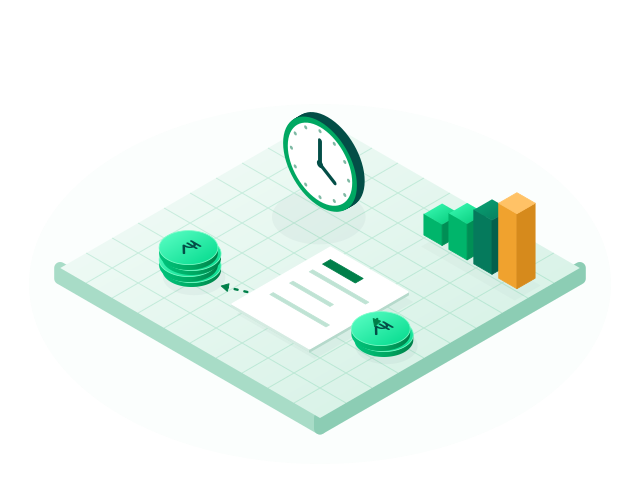
Aging reports show who owes you and whom you owe, and you can email an invoice to a customer as a PDF.
Learn moreCreate your account, set up your company and record your first voucher. No card is needed to sign up.